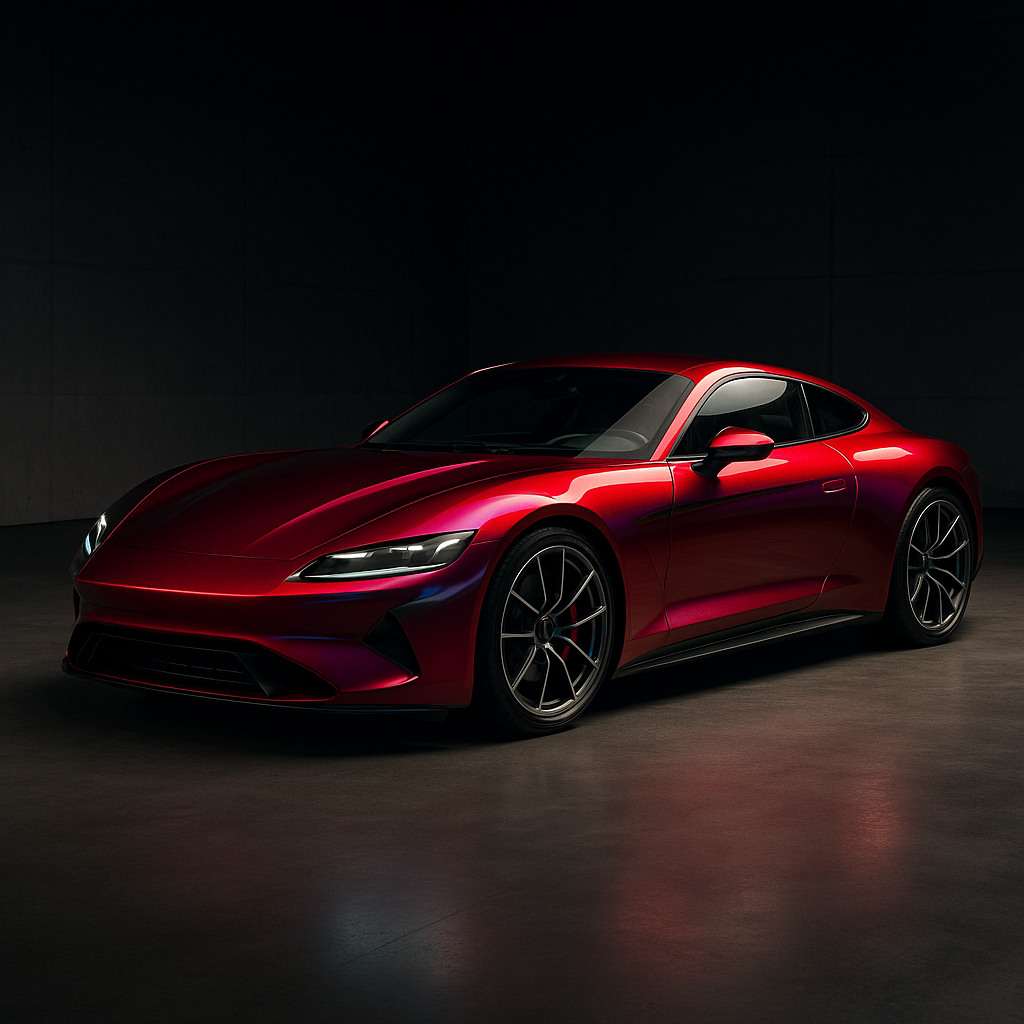
Learn how dealerships use wrap visualizers to show accessory upgrades, increase customer confidence, and generate more revenue per vehicle sale.
How Dealerships Use Wrap Visualizers to Upsell Accessories
Vehicle buyers rarely arrive at a dealership thinking about every available accessory. They may know they want a specific model, color, or trim level, but many profitable add-ons remain abstract until someone shows them how the finished vehicle could look.
A wrap visualizer gives dealerships a practical way to turn those accessories into visible, personalized options. Instead of describing a satin roof, tinted windows, paint protection film, or a branded graphic package, sales teams can apply the upgrade to the customer’s chosen vehicle and discuss it with a realistic preview in front of them.
This changes the accessory conversation from a generic sales pitch into a guided design experience.
Why visual selling works for dealership accessories
Traditional accessory upselling often depends on brochures, price sheets, stock photos, and verbal explanations. Those tools provide information, but they do not always help customers understand how an upgrade will change their specific vehicle.
A visualizer connects the accessory to the vehicle the customer is already considering. The buyer can see a dark roof on the exact body style, compare different window tint levels, or preview a partial wrap with the selected factory paint. That immediate visual connection reduces uncertainty and makes the additional purchase feel more relevant.
Visualization also helps customers evaluate accessories emotionally. A buyer may not be interested in a vinyl wrap when it is described as an optional exterior treatment. After seeing a contrasting roof, a custom stripe, or a gloss-black appearance package on their vehicle, the upgrade becomes easier to imagine owning.
For dealerships, that can lead to several benefits:
- Higher accessory attachment rates
- Larger gross profit per vehicle
- Fewer misunderstandings about the final appearance
- Faster decision-making at the point of sale
- More consistent presentations across sales staff
- Better opportunities to bundle multiple upgrades
Which accessories can dealerships visualize?
A wrap visualizer can support more than full-vehicle color changes. Dealerships can use it to present a range of appearance and protection products, depending on what their internal accessory department or installation partners offer.
Vinyl wraps and partial wraps
Full wraps can be presented as a way to change the vehicle’s appearance without permanently repainting it. Partial wraps are often easier to sell because they can create a noticeable design with a smaller investment. Common examples include contrasting roofs, hood graphics, racing stripes, mirror caps, rocker-panel graphics, and branded decals.
A visualizer allows the customer to compare subtle and aggressive designs. A conservative black roof may appeal to one buyer, while another may prefer a bright accent color or a geometric graphic package.
Window tint
Tint is one of the most familiar dealership accessories, but customers still want to know how different shades will look on their vehicle. A visualizer can help sales staff present tint as part of a coordinated appearance package rather than as an isolated percentage on a price list.
The presentation should still include a reminder that tint laws vary by state and that the final installation must comply with local requirements. The visual tool supports the design conversation; it does not replace legal or product guidance.
Paint protection film
PPF is often sold based on protection benefits, including resistance to rock chips, road debris, and everyday wear. Its coverage areas can be difficult for customers to picture, especially when a package includes only the front bumper, hood, fenders, mirrors, or door edges.
A visualizer can show coverage zones directly on the vehicle. This makes it easier to explain the difference between a front-end package and more extensive coverage. Dealers can then bundle the protective option with tint or a wrap without making the customer interpret a technical diagram.
Color PPF and finish changes
Some customers want paint protection and a visual change at the same time. Color PPF can be presented as an upgrade for buyers who want a new finish while adding a protective layer. Visual previews help them compare standard paint, a conventional vinyl wrap, and a color protection film option.
Because these products differ in cost, maintenance, installation, and durability, the sales process should explain those differences clearly. The visualizer is most effective when it supports an accurate product comparison rather than making every option look interchangeable.
Peelable paint and temporary appearance packages
Temporary finishes can appeal to customers who want a distinctive look for a limited period. A dealership may use visualization to show a temporary color change, seasonal design, or promotional appearance package. Clear expectations about removal, maintenance, lifespan, and installation are important before the customer commits.
A practical dealership workflow
The most effective visualizer process fits into the existing sales journey instead of creating a separate technical step.
1. Start with the customer’s selected vehicle
Once a buyer has chosen a model, trim, and exterior color, the sales representative can open the matching vehicle image or configuration. Starting with the customer’s actual choice makes the presentation feel personalized and avoids showing irrelevant designs.
2. Ask an appearance or protection question
Sales staff do not need to begin with a hard upsell. Simple questions can identify a relevant need:
- Do you want to keep the factory paint protected?
- Are you interested in a sportier appearance?
- Would you like to see what a darker roof or tinted windows would look like?
- Are you planning to personalize the vehicle after delivery?
These questions create a natural transition from the vehicle sale to accessory recommendations.
3. Show one useful option first
Presenting every possible accessory at once can overwhelm the buyer. A better approach is to start with one recommendation that fits the customer’s stated preferences. For example, a buyer concerned about highway driving may respond well to a PPF package, while a style-focused buyer may prefer a roof wrap or coordinated tint.
After showing the first option, the salesperson can introduce related upgrades as a bundle.
4. Compare packages visually
Dealerships can create simple tiers such as Essential, Appearance, and Complete. An Essential package might include window tint and door-edge protection. An Appearance package could add a roof wrap or custom graphics. A Complete package might combine tint, PPF, and a larger wrap design.
Showing these packages on the vehicle helps customers understand what changes from one tier to the next. It also gives sales staff a structured way to discuss value without relying entirely on price.
5. Save the approved design with the quote
The selected visual should be connected to the customer’s quote, buyer worksheet, or accessory order whenever possible. A saved design gives the customer a reference after leaving the showroom and helps the installation team understand what was discussed.
It can also reduce disputes caused by vague descriptions such as blacked-out trim or custom graphics. The final work should always be confirmed against the installer’s specifications, but the visual record creates a much clearer starting point.
How to train sales staff to use the tool
A visualizer does not automatically improve accessory sales. Dealerships should give staff a short, repeatable process and clear product boundaries.
First, salespeople should know which accessories are available, their estimated pricing, installation timelines, warranty terms, and basic care requirements. They do not need to become installers, but they should be able to explain what the customer is buying.
Second, staff should learn to recommend based on customer priorities. Someone focused on resale value may want paint protection. A commuter may care about heat reduction and privacy. An enthusiast may be more interested in a distinctive finish. The visualizer should support the recommendation, not replace discovery questions.
Third, dealerships should avoid promising that a preview represents exact color, reflectivity, texture, or coverage. Screen settings, lighting, vehicle angles, and material characteristics can affect the final result. Accurate expectations protect customer satisfaction and the dealership’s reputation.
Measuring accessory upsell performance
Dealerships can evaluate the visualizer as part of their accessory sales process by tracking a few practical metrics:
- Percentage of vehicle buyers shown at least one visual accessory option
- Accessory quote rate after a visualization session
- Close rate for visualized versus non-visualized quotes
- Average accessory revenue per vehicle
- Most frequently selected products and bundles
- Time from approval to installation
- Cancellation, remake, or dissatisfaction rates
These figures can reveal where the process needs improvement. If many customers view designs but few request quotes, pricing or product positioning may need attention. If quotes are strong but installations are delayed, the constraint may be operational rather than sales-related.
The bigger opportunity for dealerships
Accessories are easier to sell when customers can see the result, understand the scope, and connect the upgrade to their own vehicle. A wrap visualizer gives dealerships a shared visual language for discussing style, protection, and personalization across the showroom, finance office, website, and delivery process.
The strongest programs treat visualization as a consultative tool. They use it to identify preferences, compare realistic options, build packages, and document the customer’s decision. That approach can increase accessory revenue while giving buyers more confidence in what they are purchasing.
WrapMyRide AI can help dealerships give customers an interactive way to preview wraps, tint, PPF, and other appearance upgrades before committing. Its visualizer is a useful resource for turning accessory ideas into clearer, more engaging purchase conversations.